Technical SEO Automation Tools: Evaluation Framework
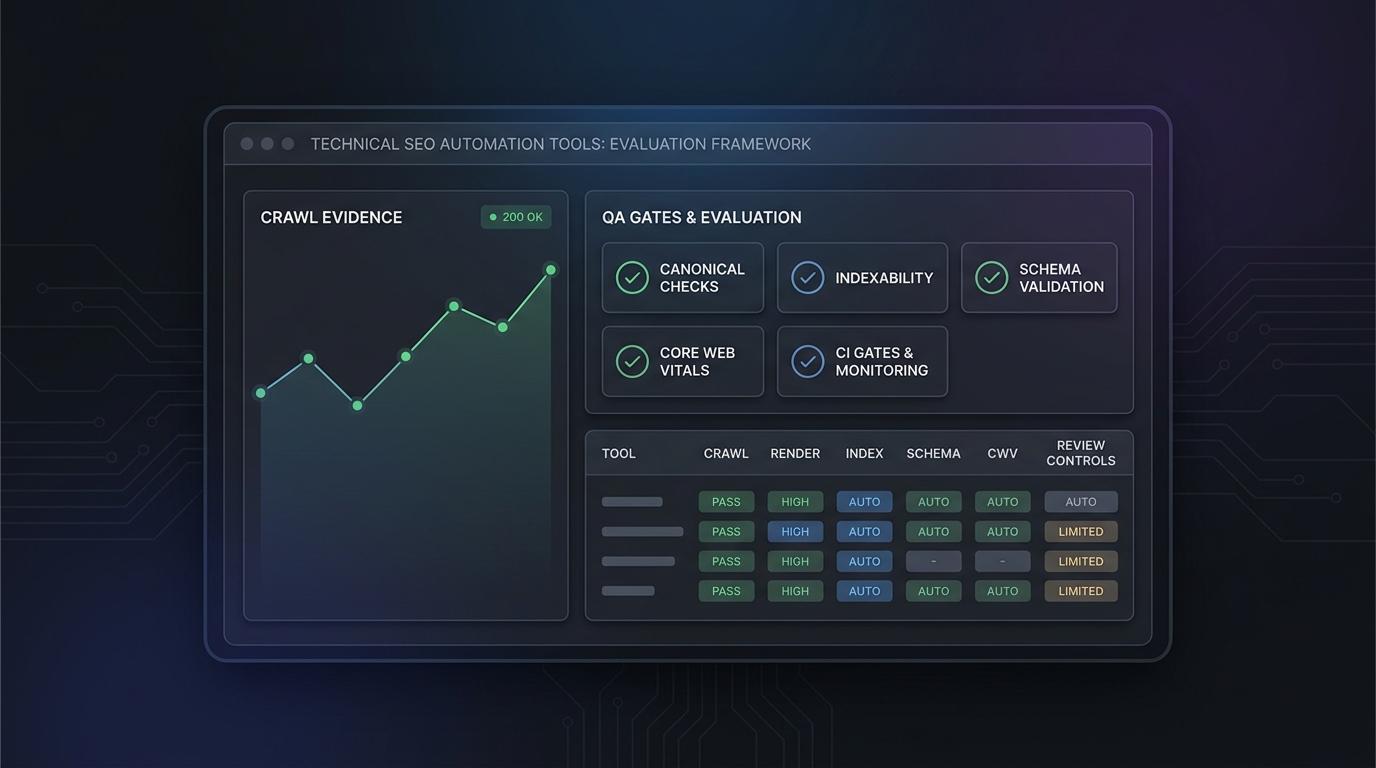
Technical SEO automation tools are easy to compare badly. A feature grid can make every crawler, monitoring platform, CMS rule engine, and AI workflow look similar, even when they solve very different problems.
Use this evaluation framework when your team needs to choose or audit technical SEO automation tools for a real publishing system. The goal is not to find the tool with the longest checklist. The goal is to find the toolchain that can prove priority URLs are crawlable, indexable, rendered, structured, linked, measurable, and protected from repeat regressions.
That distinction matters for TokenTest readers because SEO automation increasingly sits inside AI-assisted content and localization workflows. If an agent can draft, translate, upload, and publish a page, the same system needs evidence gates that show the page is safe to distribute.
Quick Answer: How to Evaluate Technical SEO Automation Tools
Evaluate technical SEO automation tools in five layers:
| Layer | What to test | Passing evidence |
|---|---|---|
| Crawl and render | Can the tool fetch priority URLs, respect expected crawl rules, and compare raw HTML with rendered HTML? | Status, source HTML, rendered DOM, discovered links, and blocked-resource notes |
| Indexability | Can it catch canonical, robots, redirect, sitemap, hreflang, and duplicate-signal mistakes? | Route readback, response headers, rendered head, expected policy, and affected URL group |
| Structured data and UX | Can it validate JSON-LD, schema drift, template changes, and Core Web Vitals context? | Parse result, page-type rules, field-data or lab-data source, and template owner |
| Workflow fit | Can it run where problems start: CI, CMS, staging, production, or scheduled monitoring? | Trigger source, owner routing, failure action, API/export path, and audit history |
| Governance | Can humans review risky fixes and AI recommendations before they change search-critical signals? | Diff, evidence pack, approval record, rollback path, and measurement baseline |
The best technical SEO automation tools make expected state explicit. They do not just say "issue found." They show what changed, where it changed, which URL group is affected, who owns the fix, and whether the page should be blocked, monitored, or reviewed.
The Failure-Mode First Evaluation Method
Start with failure modes before you open a vendor demo.
A content team may need to prevent articles from publishing without a canonical, title, meta description, author, image alt text, schema, or analytics baseline. An ecommerce team may need to catch faceted URLs, product schema drift, broken category links, and crawl waste. A migration team may need staging-to-production crawl comparison, redirect validation, and canonical checks. A multilingual team may need localized route readback, hreflang checks, and canonical consistency.
Write the failure mode as a sentence:
"We need technical SEO automation to catch [specific regression] before [release, crawl, indexing, traffic loss, or reporting deadline]."
Then score tools against that sentence. A desktop crawler, enterprise platform, CI test, CMS rule, Search Console export, analytics dashboard, and AI QA prompt can all be useful. They are not interchangeable.
For a more introductory view of where automation matters, read TokenTest's guide to what technical SEO automation is. If you are already comparing categories, pair this framework with the technical SEO automation comparison checklist.
Scorecard: 100 Points for Technical SEO Automation Tools
Use this weighted scorecard for shortlisting. A strong tool does not need to score 100. It does need to score highly in the categories that match your failure mode.
| Criterion | Weight | What strong looks like | Weak evidence |
|---|---|---|---|
| Crawl control and coverage | 15 | Priority URL lists, sitemaps, staging crawls, robots handling, authentication, crawl limits, exports | "We crawl your site" without configuration or source URL evidence |
| JavaScript rendering evidence | 10 | Raw HTML and rendered DOM comparison, indexable content checks, rendered links, blocked resources | A generic rendered badge |
| Indexability and directive checks | 15 | HTTP status, redirects, canonical, meta robots, X-Robots-Tag, sitemap inclusion, hreflang, duplicate signals | Alerts without expected policy or affected URL groups |
| Structured data and template rules | 10 | JSON-LD parsing, required fields by page type, schema drift, localized consistency, visible-content checks | Syntax-only validation detached from page content |
| Core Web Vitals and UX context | 8 | Clear distinction between lab data, field data, PageSpeed Insights, CrUX, and real-user monitoring | One blended performance score with no data source |
| Workflow triggers | 12 | CI, CMS, staging, post-publish readback, scheduled crawls, and monitoring options | Manual-only audits that depend on someone remembering |
| Prioritization and ownership | 10 | URL groups, business impact, owner routing, severity, first-seen date, recurrence tracking | A long undifferentiated issue list |
| API, exports, and evidence retention | 8 | Stable exports, API access, historical diffs, audit trail, webhook or issue tracker integration | Screenshots and dashboard-only evidence |
| AI recommendation controls | 7 | Source-linked recommendations, testable diffs, approval gates, prompt and token-budget visibility | AI suggestions that cannot show underlying evidence |
| Measurement loop | 5 | Search Console, analytics, indexed URL count, conversions, and fix validation connected to URL groups | Technical fixes with no performance or conversion follow-up |
For most growth teams, the highest-priority rows are indexability, workflow triggers, crawl evidence, and ownership. Those are the rows that keep technical SEO automation connected to release decisions instead of becoming another dashboard.
Evidence to Request During a Demo
Ask every vendor or internal team to demonstrate the same scenario. Do not let each tool choose a different easy example.
Use a controlled five-URL sample:
- One priority blog or documentation URL.
- One revenue or signup page.
- One localized URL.
- One JavaScript-rendered URL.
- One intentionally broken or staging-only URL.
Then request this evidence:
| Evidence item | Why it matters |
|---|---|
| Raw HTTP response and headers | Confirms status, redirect behavior, and X-Robots-Tag state |
| Rendered HTML or DOM extraction | Shows whether key content and links are present after rendering |
| Canonical, robots, hreflang, title, meta, and H1 readback | Confirms search-critical tags match the expected policy |
| Structured data parse result | Separates valid markup from malformed or stale template output |
| Change comparison | Shows whether the tool can detect drift from the last known-good state |
| Export sample | Shows whether developers and analysts can use the data outside the UI |
| Owner and failure action | Shows whether the issue becomes a release blocker, ticket, alert, or review item |
| Measurement baseline | Connects the technical issue to indexed URLs, organic clicks, signups, or assisted conversions |
This is where a tool's real workflow shows up. Technical SEO automation tools that cannot export evidence are hard to trust in release meetings, incident reviews, or agency-client handoffs.
What Current Public Sources Confirm
Use primary documentation as your baseline for what the automation needs to inspect.
Google Search Central's robots meta tag documentation distinguishes page-level robots directives from HTTP-header X-Robots-Tag directives. That makes both rendered head checks and response-header checks necessary.
Google's canonical documentation explains that canonical signals are used to consolidate duplicate URLs. A useful automation tool should therefore compare expected canonical policy against the canonical it reads back from the page, sitemap, or redirect path.
Google's JavaScript SEO documentation keeps the automation target concrete: important content and links must be crawlable and available to Google after rendering. For JavaScript-heavy sites, a crawler without rendering comparison is only seeing part of the risk.
Google's structured data introduction frames structured data as explicit clues about page meaning. Automation should validate syntax, but it should also prevent schema facts from drifting away from visible page facts.
Google's Core Web Vitals documentation describes user-centered metrics for loading, interactivity, and visual stability. When a tool reports Core Web Vitals, ask whether the data is lab data, field data, CrUX, PageSpeed Insights, or real-user monitoring.
Official vendor pages also help anchor expectations. Screaming Frog SEO Spider publicly describes a crawler that can find broken links, audit redirects, analyze titles and metadata, review robots directives, integrate with Google Analytics, Search Console, and PageSpeed Insights, crawl JavaScript sites, schedule audits, compare crawls, and export data. That makes it a good reference for hands-on crawl evidence, even if your final stack also includes cloud monitoring or CI gates.
TokenTest's current public product is not a technical SEO crawler. The TokenTest homepage and product manual position it as a production-reference evaluation console for model capability, route protocol, token usage, safety boundaries, channel reliability, reports, and exports. The relevant idea for SEO teams is the operating habit: trust automation when it produces auditable evidence, not when it merely completes a task.
Build Versus Buy: The Decision Lens
Many teams need both bought tools and internal checks.
Buy when the problem needs mature crawling, rendering, historical comparisons, scale, log analysis, stakeholder dashboards, or vendor-maintained integrations. Build when the expected state is specific to your templates, CMS, routes, deployment process, or content workflow.
Use this split:
| Job | Usually buy | Usually build |
|---|---|---|
| Site-wide crawl discovery | Crawler or cloud SEO platform | Priority URL list and URL grouping |
| JavaScript rendering checks | Crawler with rendering support | Assertions for your app's critical selectors |
| Canonical and robots policy | Crawler plus monitoring | Expected-state tests by template and route |
| CMS payload validation | CMS plugin or workflow tool | Required fields, slug rules, taxonomy checks |
| AI-assisted source review | AI workflow or editorial tool | Project-specific proof rules and prompt budgets |
| Release gating | CI platform or deployment tool | The actual pass/fail rules and owner routing |
| Measurement | Search Console and analytics | URL group mapping, conversion notes, and refresh triggers |
A practical setup might use a crawler for scheduled discovery, a CI job for template regressions, a CMS rule for required fields, and an AI review step for source support. The framework is what keeps those layers from overlapping blindly.
Evaluation Questions for Shortlisting
Use these questions before signing a contract or expanding an internal automation chain.
- Which exact URLs and templates can this tool protect?
- Does it compare raw HTML with rendered HTML?
- Can it read response headers as well as the rendered page head?
- Can it detect canonical, noindex, redirect, hreflang, sitemap, and schema drift against expected policy?
- Can we run checks in CI or staging before the issue reaches production?
- Can we run public route readback immediately after publishing?
- Can it export issue evidence with source URL, affected URL, first-seen date, owner, and severity?
- Can it group issues by template, URL type, locale, or conversion importance?
- Can AI recommendations show the source evidence and a testable diff?
- What happens when a check fails: block, ticket, alert, or review?
- Which limits apply to rendered pages, scheduled crawls, projects, seats, API access, and retention?
- How does the tool connect fixes to indexed URL count, organic clicks, qualified signups, or assisted conversions?
The last question is important. If technical SEO automation never reconnects to outcomes, teams optimize for alert volume instead of search performance.
Common Mistakes When Comparing Technical SEO Automation Tools
The first mistake is treating all warnings as equal. A missing meta description on a low-priority archive page is not the same as a noindex tag on a signup page.
The second mistake is overvaluing automatic fixes. Redirects, canonicals, robots directives, schema, and internal links can do real damage when changed by a bad rule. For high-risk actions, technical SEO automation should create a proposed diff and attach evidence, then require approval.
The third mistake is ignoring AI workflow cost. AI source review, translation QA, and metadata checks can be useful, but long prompt chains can become slow, expensive, and inconsistent. If agents are part of your SEO process, add prompt regression and token-budget gates. TokenTest's SEO automation strategy covers the broader operating model, while the AI blog writer tools evaluation framework shows how to score AI content tools without trusting output alone.
The fourth mistake is measuring success by issues found. A good automation system should reduce repeat issues over time. If the issue count rises every month, the team may have a template, ownership, or prioritization problem rather than a discovery problem.
Recommended Starting Stack
For a small but serious blog, docs site, or product-led content program, start with this stack:
- A priority URL inventory grouped by template, language, owner, and funnel stage.
- A crawler or crawl script that checks status, redirects, canonical, robots, title, meta, H1, internal links, and structured data.
- A rendered-page check for JavaScript-heavy templates.
- A CMS validation gate for required fields, category, slug, excerpt, image, alt text, and canonical.
- A post-publish route readback for source and localized URLs.
- A Search Console and analytics baseline for indexed URLs, clicks, organic sessions, qualified signups, and assisted conversions.
- A monthly review that converts recurring alerts into template tests or publishing rules.
That stack is intentionally modest. It gives technical SEO automation a job: prevent repeatable failures, retain evidence, and feed measured learnings back into the workflow.
Final Takeaway
The best technical SEO automation tools are not the ones with the broadest feature list. They are the ones that protect the failure modes your team actually has.
Evaluate technical SEO automation by evidence quality, workflow placement, ownership, AI controls, and measurement. Start with deterministic checks, keep risky fixes behind human review, and connect every alert to a URL group that matters.
For TokenTest readers, the standard is simple: if automation helps create or publish a page, it should also prove that the page is reachable, indexable, source-grounded, measurable, and within a controlled prompt and token budget. That is how technical SEO automation becomes release discipline instead of dashboard noise.