System Prompt Token Count: Hidden Costs in AI Agent Workflows
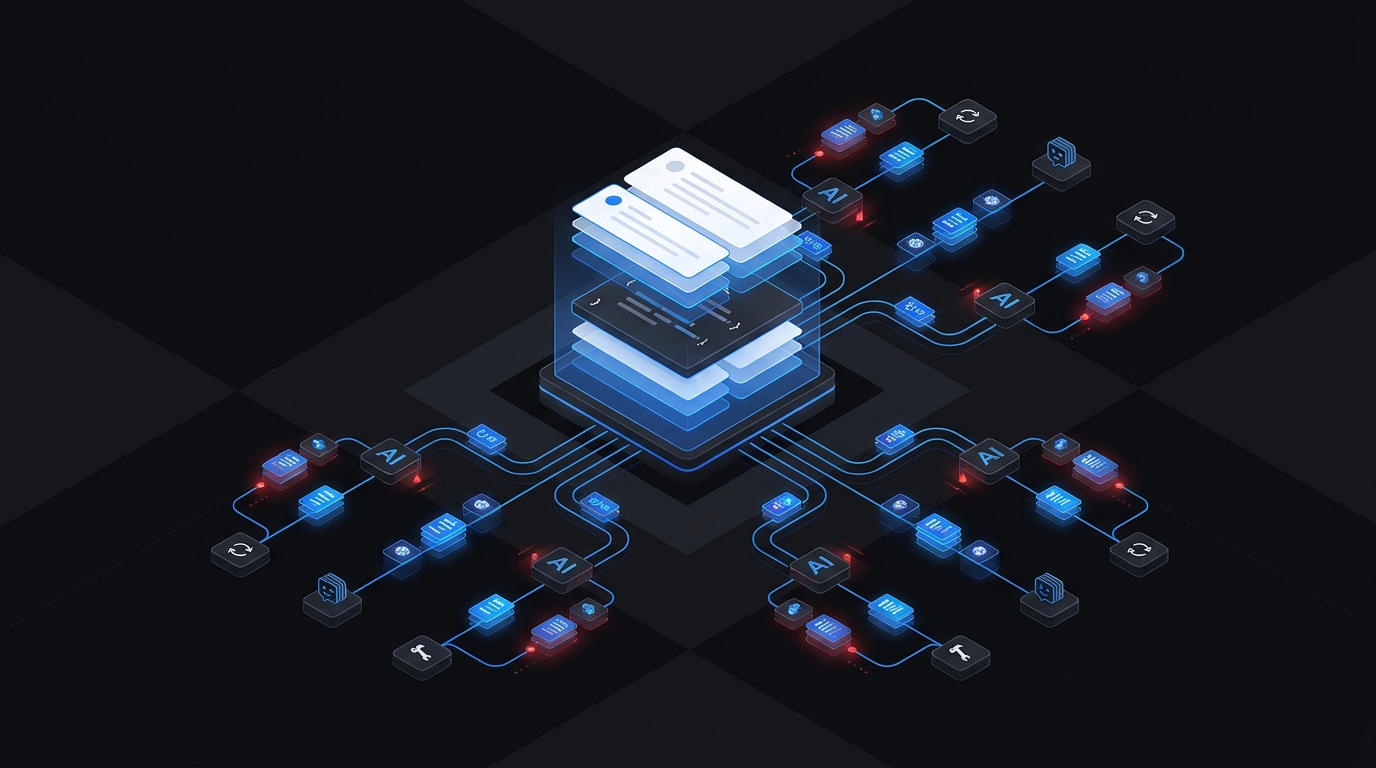
System Prompt Token Count: Hidden Costs in AI Agent Workflows
Short answer: yes, system prompts count toward input usage when they are sent with a model request. Developer instructions, tool definitions, JSON schemas, routing context, conversation history, and retrieved documents can also consume input tokens. In an AI agent workflow, that fixed instruction layer may be sent again for every turn, retry, tool call, or sub-agent invocation.
That is why a system prompt token count that looks harmless in isolation can become a meaningful part of total workload usage.
The right question is not only:
How many tokens are in this system prompt?
It is:
How many fixed instruction tokens are sent across the complete call graph?
This guide shows how to calculate that hidden multiplier, identify which prompt components repeat, and validate reported usage with TokenTest.
What counts as system prompt tokens?
The exact request structure varies by API, but input usage can include more than the user-visible message.
| Request component | Usually visible to the end user? | Can consume input tokens? | Common repetition pattern |
|---|---|---|---|
| System instructions | No | Yes | Every model call using that agent configuration |
| Developer instructions | No | Yes | Every request in the application workflow |
| Tool names and descriptions | No | Yes | Every call where those tools are exposed |
| Tool JSON schemas | No | Yes | Every call where the schemas are sent |
| User message | Yes | Yes | Current turn |
| Conversation history | Partly | Yes | Grows across turns unless summarized or truncated |
| Retrieved context | Sometimes | Yes | Each retrieval-assisted call |
| Tool results | Sometimes | Yes | Follow-up calls after tool execution |
For OpenAI API requests, the official input-token counting endpoint accepts the same input shape as a Responses API request, including instructions, messages, tools, images, and files. It returns the exact input count for that request before generation. That makes the full serialized request—not a word-count estimate—the safest unit to audit.
Tokenization is model-specific. A local tokenizer can be useful for early estimates, but the production endpoint's preflight count and returned usage are the stronger references for the request you actually send.
Why system prompt token count becomes expensive in agent workflows
A chatbot may make one model call for one user turn. An agent can make many:
- A planner interprets the task.
- A retriever searches a knowledge base.
- A worker calls one or more tools.
- A reviewer checks the result.
- A retry repeats a failed step.
- A final model assembles the answer.
If each call receives the same 3,000-token instruction and tool layer, the workflow does not carry 3,000 fixed tokens. It carries that layer once per applicable call.
Use this basic formula:
fixed input per call = system + developer + tools + fixed wrappers

repeated fixed input = Σ(fixed input for call i)

estimated workflow input = repeated fixed input
                         + user and history tokens
                         + retrieved context
                         + tool results
For a uniform workflow, a simplified estimate is:
repeated fixed input = fixed input per call × number of applicable calls
Worked example: a hidden 45,500-token instruction layer
Assume an agent request contains:
| Fixed component | Tokens per call |
|---|---|
| System prompt | 1,800 |
| Developer and routing rules | 350 |
| Tool descriptions and schemas | 1,250 |
| Fixed message wrappers | 100 |
| Fixed input per call | 3,500 |
The workflow makes eight planned calls, two retries, and three sub-agent calls:
3,500 fixed tokens × 13 calls = 45,500 repeated fixed input tokens
That happens before adding the user request, conversation history, retrieval results, tool outputs, or generated output. The numbers are illustrative capacity-planning values, not a pricing estimate.
This is the hidden cost: the base instruction layer is multiplied by workflow topology.
The five most common sources of hidden instruction overhead
1. Every agent receives the full global prompt
Specialized workers often need only a subset of the global policy. Giving a retrieval agent the same formatting, publishing, escalation, and review rules as the final writer increases its system prompt token count without improving its job.
Prefer a small shared safety core plus role-specific instructions.
2. Every tool is exposed on every call
Tool schemas can be substantial. If a step can use only two tools, do not automatically send the definitions for twenty. Route first, then expose the smallest useful tool set.
3. Rules are duplicated across layers
The same requirement may appear in the system prompt, developer message, tool description, output schema, and retry message. Duplication sometimes improves reliability, but accidental duplication is pure overhead.
Assign one authoritative home to each rule and repeat it only when testing shows that reinforcement is necessary.
4. Retries replay the entire request envelope
A retry does not repeat only the failed user instruction. It may resend the system prompt, tools, history, retrieved context, and previous tool results. A small retry rate can therefore amplify a large fixed request.
Track retry-driven input separately from first-attempt input.
5. Conversation history carries old instructions forward
Agent frameworks sometimes store planning notes, tool traces, validation messages, or prior summaries in the conversation. These tokens become variable history overhead on later calls.
Keep durable state structured and compact. Do not use the transcript as an unlimited database.
How to audit a system prompt token count correctly
A reliable system prompt token count audit begins with the payload that reaches the model, not the source file that a developer happens to call the system prompt.
Step 1: capture the complete request
Log the exact payload sent immediately before the API call. Include:
- system and developer instructions;
- current messages and retained history;
- tool definitions and JSON schemas;
- retrieved context and files;
- tool results;
- model and endpoint configuration.
Do not audit only the prompt file in your repository. Framework serialization can add wrappers or transform the request.
Step 2: get an exact preflight count
Where your provider supports it, submit the complete request to its official input-token counting endpoint. For OpenAI Responses API payloads, the counting endpoint is POST /v1/responses/input_tokens.
Save the model, request hash, tokenizer or endpoint version, timestamp, and returned count. Recount after changing the model, tools, schema, instructions, or framework.
Store this result as the system prompt token count baseline for the current request version.
Step 3: measure component deltas
Create controlled variants of the same request:
| Variant | What changes | What the delta estimates |
|---|---|---|
| Full request | Nothing | Production baseline |
| No tools | Remove tool definitions | Tool and schema overhead |
| Minimal system | Keep only critical invariants | Compressible instruction overhead |
| No history | Remove retained turns | Conversation-history overhead |
| One retrieved document | Cap retrieval | Marginal retrieval overhead |
Change one component at a time. The difference between two counts is more useful than guessing from character length.
Step 4: map counts to the call graph
For every node, record:
- maximum planned calls;
- fixed input tokens;
- expected variable input;
- expected output allowance;
- retry ceiling;
- whether prompt caching applies;
- whether the node exposes tools.
Then sum the maximum path and the expected path separately. Averages can hide a costly retry branch.
For a broader budgeting method, see Token Budget Planning for Multi-Agent Workflows.
Step 5: validate production usage
Preflight counting tells you what the request should contain. Runtime usage tells you what the endpoint reports after execution.
TokenTest's D4 token-integrity checks evaluate signals such as usage presence, total consistency, input monotonicity, output reasonableness, stop-limit linkage, streaming usage, and cache-token evidence. This helps teams detect endpoints whose reporting or truncation behavior does not match expectations.
Two practical TokenTest checks
Test 1: run a live endpoint evaluation
- Open TokenTest.
- Enter a test endpoint and a test-only API key.
- Discover or enter the model ID.
- Start the evaluation.
- Open the D4 token-integrity section in the report.
Inspect whether:
- usage fields are present;
- input and output totals reconcile;
- longer prompts produce higher input counts;
- token limits are reflected in stop behavior;
- streaming responses preserve usage evidence;
- cache-related fields appear only when appropriate.
TokenTest does not replace the provider's exact preflight count. It validates whether the live endpoint reports token behavior plausibly after your prompt changes.
Test 2: compare two raw response JSON objects offline
The TokenTest interface includes an offline response analyzer. Paste a raw response from the original workflow and then one from the optimized workflow.
Example baseline response:
{
  "id": "msg_before",
  "model": "your-model-id",
  "content": [
    {"type": "text", "text": "MODEL_TRUTH_OK 42f7a9c1"}
  ],
  "usage": {
    "input_tokens": 7200,
    "output_tokens": 240
  }
}
Example optimized response:
{
  "id": "msg_after",
  "model": "your-model-id",
  "content": [
    {"type": "text", "text": "MODEL_TRUTH_OK 42f7a9c1"}
  ],
  "usage": {
    "input_tokens": 4100,
    "output_tokens": 236
  }
}
Use the actual model ID and real API responses in production. This simple comparison helps confirm that usage is present and that the input reduction appears in the returned response. It does not prove which component caused the reduction; use controlled request variants for that.
How to reduce system prompt tokens without breaking behavior
Prioritize structural changes over aggressive deletion:
- Route before loading tools. Expose only the schemas needed for the selected action.
- Split global and role-specific rules. Keep a compact shared core and give each agent only its operational instructions.
- Remove duplicate policy wording. Maintain one authoritative rule unless measured behavior requires reinforcement.
- Move examples into tests or retrieval. Do not keep every demonstration in every request.
- Shorten schema descriptions carefully. Preserve field meaning, constraints, and failure behavior.
- Summarize history at explicit thresholds. Retain decisions and unresolved state, not every intermediate message.
- Cap retries and fan-out. Project the next call's full input before spawning it.
- Regression-test every trim. A lower system prompt token count is useful only if task quality, safety, routing, and output structure remain intact. Treat an unexpected increase as a system prompt token count regression that must be explained before release.
The guide Why Your Prompt Is Too Long: Common Token Counting Mistakes helps identify avoidable prompt bloat. You can also add the result to a token-aware prompt review process so token regressions are caught before deployment.
A reusable review worksheet
Use this table in a pull request or prompt review:
| Node | Calls | System | Developer | Tools | Other fixed | Fixed subtotal | Retries | Maximum repeated fixed input |
|---|---|---|---|---|---|---|---|---|
| Planner | 1 | 900 | 200 | 0 | 100 | 1,200 | 0 | 1,200 |
| Retriever | 3 | 500 | 150 | 700 | 100 | 1,450 | 1 | 5,800 |
| Worker | 4 | 1,000 | 250 | 1,100 | 100 | 2,450 | 1 | 12,250 |
| Reviewer | 1 | 800 | 250 | 0 | 100 | 1,150 | 0 | 1,150 |
| Total | 20,400 |
Formula for each row:
maximum repeated fixed input = fixed subtotal × (planned calls + retry calls)
Treat this as a capacity worksheet, not a billing calculator. If prompt caching or provider-specific accounting applies, retain both the full logical input and the provider-reported usage details.
Frequently asked questions
Does a system prompt count as input tokens?
Yes. If the system instructions are included in the model request, they contribute to the request's input representation. Count the complete serialized request rather than estimating only the visible text.
Do tool definitions count as tokens?
Tool names, descriptions, parameters, and schemas can contribute to input usage when they are sent to the model. Use the provider's official count method with the actual tools payload.
Is the system prompt counted once per conversation?
Do not assume that. Model APIs process requests, and agent applications commonly resend relevant instructions on each request. Inspect the actual payload for every call in the workflow.
Does prompt caching remove system prompt tokens?
Caching can change how repeated prefixes are processed and how usage details are reported, but it does not remove the need to audit the full logical request. Keep stable content at the beginning when your provider recommends prefix caching, and inspect cached-token details in runtime usage.
What is a good system prompt length?
There is no universal target. The useful metric is instruction value per token: required behavior, safety, routing, and output constraints should survive, while duplicated prose, unused tools, stale examples, and irrelevant role instructions should not.
Final takeaway
A system prompt token count is only the starting point. In AI agent workflows, the real cost driver is repeated fixed input across planners, workers, tools, retries, and reviewers.
Audit the exact request, isolate component deltas, multiply them across the call graph, and validate the live endpoint's usage behavior in TokenTest. That turns prompt optimization from guesswork into a measurable engineering process.
Start with a TokenTest endpoint evaluation and review the TokenTest product manual for the available token-integrity checks.