A Practical AI Token Budget Worksheet for AI Product Launches
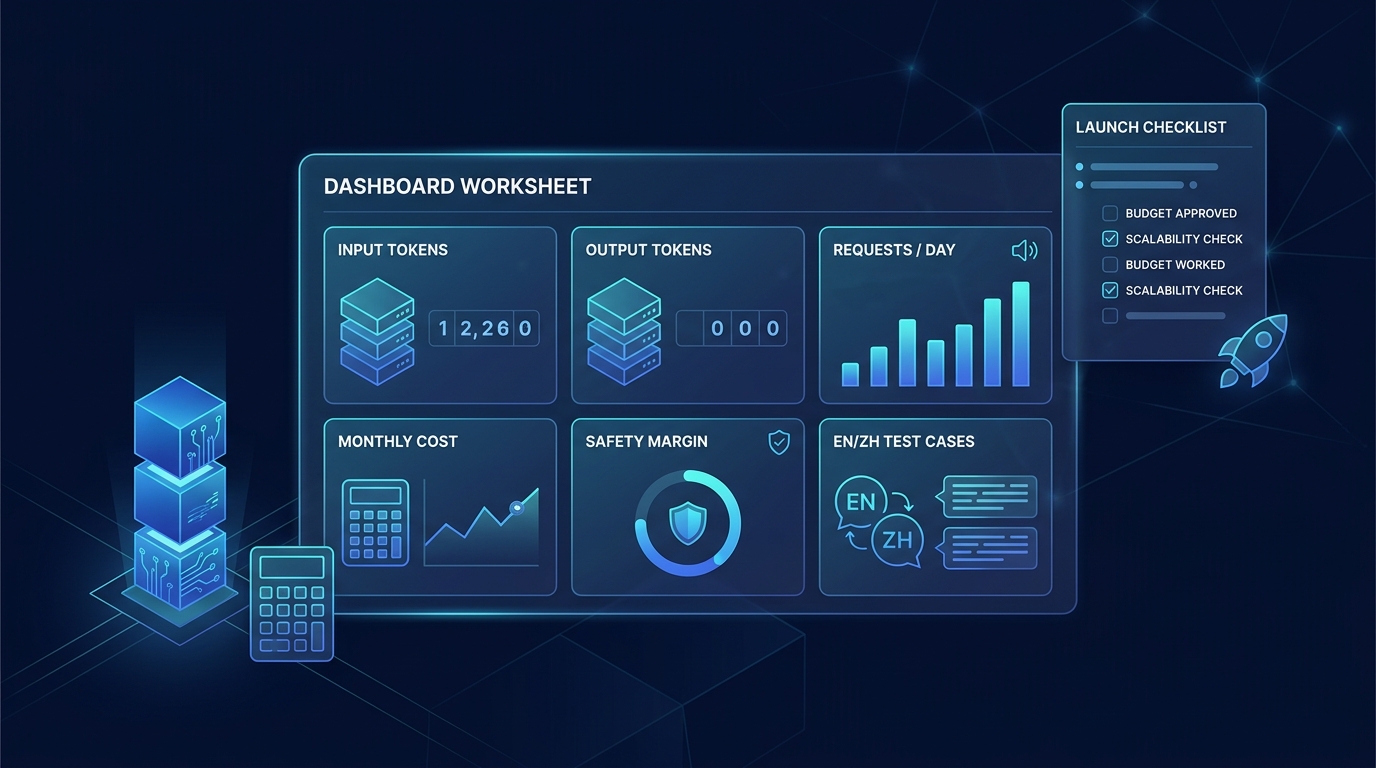
An AI product launch can look affordable in a demo and become expensive in production. Prompts grow, retrieval adds context, structured outputs add schema overhead, users send longer inputs, and localized versions do not tokenize exactly like English.
An AI token budget worksheet turns those moving parts into a launch decision. It gives product, engineering, and finance one place to estimate monthly input tokens, output tokens, provider cost, safety margin, and the scenarios that should be tested before rollout.
This guide gives you a practical worksheet, formulas you can reuse, an illustrative launch calculation, and three prompts you can paste into TokenTest to validate the request shapes behind your assumptions.
Important: The worksheet is a planning model, not a substitute for counting the exact production request and reconciling it against runtime usage. Insert your provider's current prices and confirm the tokenizer and endpoint used by your application.
What an AI Token Budget Worksheet Should Answer
A useful worksheet should let a launch team answer six questions:
- How many model requests will the feature make per day?
- How many input and output tokens does a typical request use?
- How different are P50, P95, and maximum realistic requests?
- What mix of languages, workflows, and user segments will launch?
- What will monthly model usage cost at current provider rates?
- How much safety margin is required for growth and measurement error?
The goal is not perfect forecasting. The goal is to make assumptions visible before they become production spend.
How to Calculate With an AI Token Budget Worksheet
Start by decomposing one request:
input_tokens_per_request
= system_instructions
+ user_input
+ conversation_history
+ retrieved_context
+ tool_definitions
+ output_schema
Then calculate monthly volume:
monthly_requests = requests_per_day × active_days_per_month

monthly_input_tokens = monthly_requests × weighted_input_tokens_per_request

monthly_output_tokens = monthly_requests × weighted_output_tokens_per_request
Finally, insert the current prices from your selected provider:
monthly_model_cost
= (monthly_input_tokens ÷ 1,000,000 × input_price_per_million)
+ (monthly_output_tokens ÷ 1,000,000 × output_price_per_million)
If your provider applies separate cached-input or other token rates, add those as separate rows instead of hiding them inside the input price.
Copy This AI Token Budget Worksheet
1. Launch Assumptions
| Field | Your value | Guidance |
|---|---|---|
| Feature or workflow | Name one model-backed user action | |
| Launch date | Use the production rollout date | |
| Requests per day | Include retries and background calls | |
| Active days per month | 30 | Use your billing or planning period |
| Input price per 1M tokens | Copy the current provider price | |
| Output price per 1M tokens | Copy the current provider price | |
| Cached-input price per 1M tokens | Optional | Add only if the route supports it |
| Safety margin | 20% | Use a reviewed team assumption |
| Launch languages | Measure each language separately | |
| Owner | Person responsible for updating the model |
2. Request Components
| Component | Baseline tokens | P95 tokens | Maximum tested | How to measure |
|---|---|---|---|---|
| System instructions | Count the exact production instructions | |||
| User input | Use real or representative samples | |||
| Conversation history | Include truncation and summarization rules | |||
| Retrieved context | Test the largest realistic retrieval block | |||
| Tool definitions | Include every tool schema sent with the request | |||
| Output schema | Include JSON schema and formatting instructions | |||
| Total input | Sum all input components | |||
| Reserved output | Base this on UX requirements and observed output |
If your workflow uses function calling or structured output, read Token Counting for Structured Outputs and Function Calling before approving the tool and schema rows.
3. Scenario Mix
Do not multiply monthly requests by one average prompt. Model at least three request shapes.
| Scenario | Traffic share | Input tokens/request | Output tokens/request | Example |
|---|---|---|---|---|
| Baseline | Short, normal request | |||
| P95 | Long input or larger retrieval | |||
| Maximum realistic | Largest request allowed by product rules | |||
| Total | 100% |
Calculate the weighted values:
weighted_input_tokens
= Σ (scenario_traffic_share × scenario_input_tokens)

weighted_output_tokens
= Σ (scenario_traffic_share × scenario_output_tokens)
This prevents a small number of large requests from disappearing inside a misleading simple average.
4. Language Mix
Tokenization varies with language, wording, punctuation, and the tokenizer behind the selected model. Do not estimate Chinese usage by translating an English token count with a fixed ratio.
| Language | Traffic share | Baseline input | P95 input | Baseline output | P95 output | Count verified? |
|---|---|---|---|---|---|---|
| English | Yes / No | |||||
| Chinese | Yes / No | |||||
| Other | Yes / No |
For a deeper multilingual review, see Why Chinese Prompts Can Use Different Token Budgets Than English Prompts.
5. Monthly Budget Summary
| Metric | Formula | Result |
|---|---|---|
| Monthly requests | Requests/day × active days | |
| Weighted input/request | Scenario-weighted input | |
| Weighted output/request | Scenario-weighted output | |
| Monthly input tokens | Monthly requests × weighted input | |
| Monthly output tokens | Monthly requests × weighted output | |
| Input cost | Input tokens ÷ 1M × input price | |
| Output cost | Output tokens ÷ 1M × output price | |
| Cached-input adjustment | Cached input ÷ 1M × cached price | |
| Base model cost | Input + output + adjustments | |
| Safety margin | Base cost × margin % | |
| Launch budget | Base cost + safety margin |
AI Token Budget Worksheet Example: From Request Mix to Monthly Tokens
Assume an AI support assistant expects 20,000 requests per day for 30 active days. The team models this request mix:
| Scenario | Traffic share | Input tokens | Output tokens |
|---|---|---|---|
| Baseline | 70% | 900 | 250 |
| P95 | 25% | 1,800 | 600 |
| Maximum realistic | 5% | 3,500 | 1,200 |
The weighted request is:
weighted input
= (0.70 × 900) + (0.25 × 1,800) + (0.05 × 3,500)
= 1,255 tokens

weighted output
= (0.70 × 250) + (0.25 × 600) + (0.05 × 1,200)
= 385 tokens
Monthly volume is:
monthly requests = 20,000 × 30 = 600,000

monthly input tokens = 600,000 × 1,255 = 753,000,000

monthly output tokens = 600,000 × 385 = 231,000,000
With a 20% usage safety margin, the planning envelope becomes:
input planning envelope = 753,000,000 × 1.20 = 903,600,000

output planning envelope = 231,000,000 × 1.20 = 277,200,000
Now add the current input and output prices for the exact model and route you plan to use. Keeping usage and price assumptions separate makes the worksheet easier to refresh when traffic or provider pricing changes.
Three Prompts to Paste Into TokenTest
Use these examples to create repeatable baseline, expanded, and localized measurements. Replace the model endpoint and credentials with a test configuration approved by your team.
Prompt 1: English Baseline
You are a support triage assistant.

Return JSON with:
- category
- urgency
- summary

Customer message:
"I was charged twice, and my account is still locked after payment."
Prompt 2: English P95 Variant
You are a support triage assistant for a subscription software product.

Rules:
1. Return valid JSON only.
2. Use one of these categories: billing, access, technical, cancellation, other.
3. Set urgency to high when payment succeeded but access is unavailable.
4. Keep the summary under 30 words.
5. Do not invent account facts.

Return:
{
  "category": "",
  "urgency": "",
  "summary": ""
}

Customer message:
"I tried checkout twice. Both payments appear on my card, the dashboard still says free plan, and password reset did not restore access. I need the account for a client presentation today."
Prompt 3: Chinese Localized Variant
你是一名订阅制软件产品的客服分流助手。

请只返回有效 JSON,包含:
- category
- urgency
- summary

如果付款成功但账号仍无法使用,请将 urgency 设为 high。不要编造账号信息,summary 不超过 30 个汉字。

客户消息:
"我尝试结账两次,银行卡显示两笔扣款,但后台仍是免费套餐,重置密码后也无法恢复访问。我今天要用这个账号做客户演示。"
TokenTest's product manual describes checks for token usage presence, total consistency, input monotonicity, output reasonableness, truncation behavior, stream usage, and cache evidence. Those checks help you test whether longer prompts produce believable usage changes instead of relying only on a static estimate.
Launch Gates for Your AI Token Budget Worksheet
| Gate | Pass condition |
|---|---|
| Exact request shape counted | System prompt, tools, retrieval, schema, and user input are included |
| P95 scenario tested | Long realistic requests have measured counts |
| Maximum request controlled | Product rules define truncation, rejection, or summarization |
| Output reserve tested | The cap supports the expected UX without routine truncation |
| Every launch language measured | English is not used as a proxy for Chinese or other languages |
| Runtime usage reconciled | Provider-reported usage is compared with preflight assumptions |
| Retry amplification included | Forecast includes retries, fallbacks, and background calls |
| Budget owner assigned | One person updates traffic, usage, and pricing assumptions |
Turn these gates into a recurring review with a token-aware prompt review process.
Common AI Token Budget Worksheet Mistakes
Using the Context Window as the Budget
A context window is a technical limit, not a financially or operationally sensible target. Your launch budget should be lower and based on the request size your product actually allows.
Counting Only Visible Prompt Text
Tool definitions, retrieved passages, conversation history, formatting instructions, and output schemas can all contribute to request size. Count the serialized production request, not the text shown in one UI field.
Using One Average
A simple average hides the expensive tail. A weighted scenario mix makes P95 and maximum requests visible.
Reusing English Counts for Chinese
Different text and tokenizers produce different results. Count each localized production prompt directly.
Hard-Coding Provider Prices Into the Article
Prices and model lineups can change. Keep the worksheet reusable by entering current prices at review time and recording the date and source.
Forgetting Retries and Fallbacks
One user action can trigger more than one model call. Add retry rate, fallback rate, agent steps, and background evaluations to request volume.
Final AI Token Budget Worksheet Checklist
Before launch, confirm that your AI token budget worksheet contains:
- exact input components
- baseline, P95, and maximum request shapes
- weighted traffic and language mixes
- current input, output, and cached-input prices where applicable
- monthly token and cost formulas
- a reviewed safety margin
- retry and fallback amplification
- direct measurement of English and Chinese prompts
- runtime usage validation
- an owner and refresh date
The strongest budget is not the one with the most precise-looking forecast. It is the one whose assumptions can be tested, challenged, and refreshed.
Start with the worksheet above, paste representative request shapes into TokenTest, and keep the count evidence beside the launch decision. For additional planning patterns, see Token Budget Templates for Product Managers Shipping AI Features.