Content Planning AI Use Cases by Funnel Stage
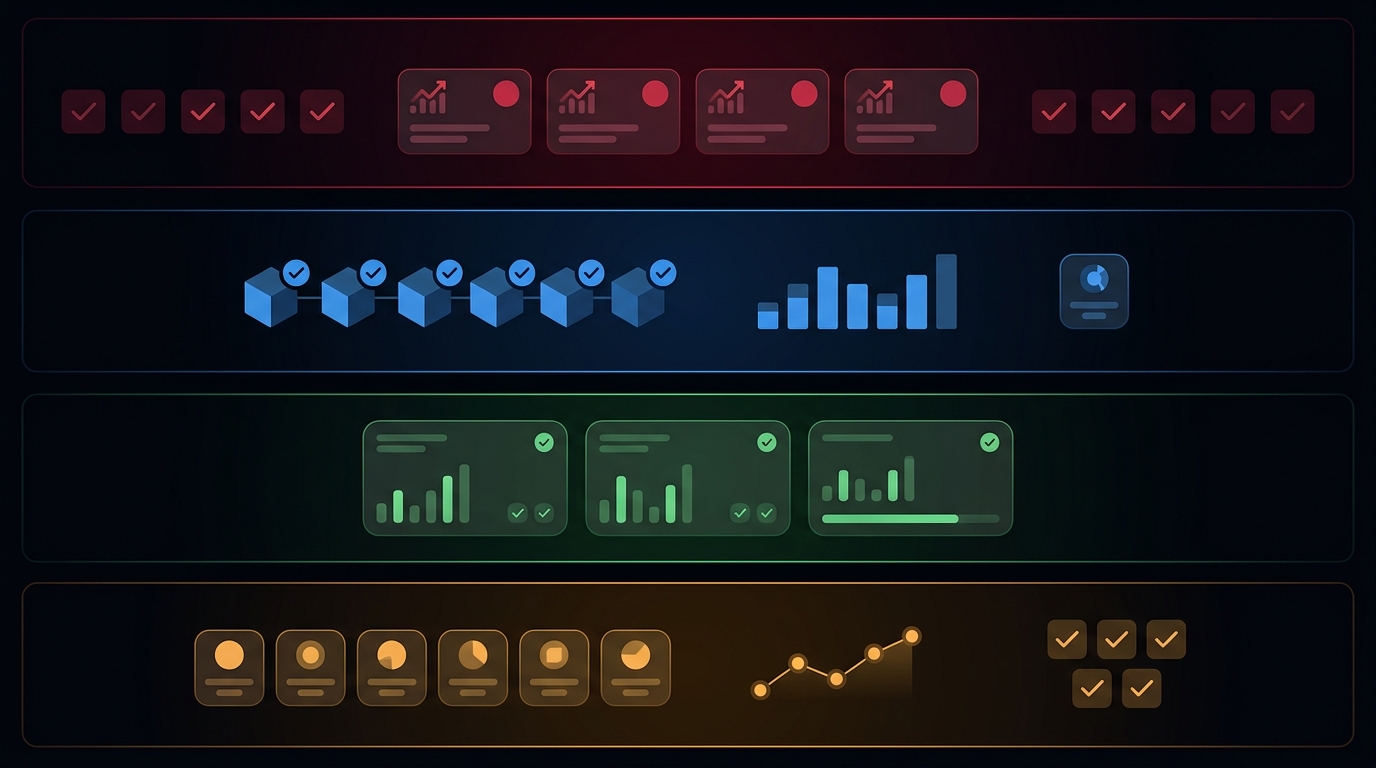
Content planning AI is only useful when it assigns the right job to the right stage. A good workflow does not just generate ideas. It helps you decide whether a topic should become an awareness explainer, a consideration comparison, a decision page, or a retention refresh.
That matters because the failure mode is usually not the draft itself. It is the mismatch between intent and output. A top-of-funnel query needs definitions and problem framing. A middle-funnel query needs evaluation criteria. A bottom-funnel query needs proof, implementation detail, and a clean release path. A retention task needs freshness and a reason to update.
This guide breaks content planning AI into practical use cases by funnel stage. It is written for teams that want a planning system, not a title generator.
Quick answer
Use content planning AI to decide the job of the page before you draft it.
| Funnel stage | Best use case | Proof required | Main failure if missing | Useful metric |
|---|---|---|---|---|
| Awareness | Define the problem, cluster beginner questions, and draft explainers | Current docs, definitions, public product pages, source links | Generic content that repeats the SERP | Impressions and first clicks |
| Consideration | Build comparison criteria, score options, and draft checklists | Product docs, current feature pages, screenshots, route checks | Opinionated comparison with no evidence | CTA clicks and assisted signups |
| Decision | Create implementation steps, FAQs, and release QA | Product facts, canonical URLs, schema, CTA path | A page that looks useful but cannot safely ship | Qualified signups and demo requests |
| Retention | Refresh stale pages, update examples, and localize carefully | Current docs, analytics, support signals, changed facts | Old content that keeps ranking but no longer helps | Refresh performance and return visits |
Awareness: use AI to clarify the problem
At the awareness stage, content planning AI should help you name the problem in the reader's language. That usually means clustering beginner questions, finding related definitions, and deciding which concept deserves a standalone page.
Good awareness use cases:
- cluster
what is,how does, andwhy doesquestions; - turn customer pain language into clean headings;
- draft a plain-language explainer or glossary page;
- identify internal links to deeper workflow content;
- cut vague topics that do not match the ICP.
Bad awareness use cases:
- generating ten nearly identical definition posts;
- chasing broad keywords with no product fit;
- stuffing the page with unsupported claims;
- treating SEO volume as a substitute for usefulness.
For content planning AI, the awareness angle should answer one thing: what is the reader trying to understand, and what problem are they trying to name? If the answer is fuzzy, the page will be fuzzy too.
Consideration: use AI to build comparison criteria
The consideration stage is where content planning AI tends to create the most leverage. The reader already believes the problem matters. Now they want to compare workflows, tools, or approaches.
Good consideration use cases:
- draft evaluation criteria for a comparison page;
- build a scorecard or matrix;
- structure a build-vs-buy guide;
- list the tradeoffs that matter before adoption;
- map the internal links to decision-stage proof.
The proof bar is higher here. If the article names products or methods, it should be based on current public docs, feature pages, screenshots, or firsthand checks. If that evidence is missing, keep the comparison neutral and score the criteria instead of pretending to rank winners.
This is the stage where content planning AI should reduce choice overload, not amplify it.
Decision: use AI to prepare the release contract
Decision-stage content should help a buyer act. That means implementation steps, launch checklists, objections, and clear next actions.
Good decision use cases:
- draft a step-by-step rollout;
- write a QA checklist before publish;
- prepare schema, canonical, and route checks;
- list common objections and answers;
- map the CTA and conversion path.
At this stage, content planning AI should not just outline the article. It should prepare the release contract:
- what the page claims;
- which sources support those claims;
- which URLs must work;
- which fields the CMS needs;
- which sign-up or demo path the page should support.
If those pieces are missing, the draft may look complete while still being unsafe to publish.
Retention: use AI to keep the system current
Retention work is the least glamorous and often the most valuable. Existing pages drift. Screenshots get stale. Claims age out. Internal links break. Localized versions fall behind.
Good retention use cases:
- find stale examples in old posts;
- refresh copy after a product or process change;
- update internal links to stronger pages;
- localize a source article after the canonical changes;
- turn support questions into updates instead of net-new pages.
This is where content planning AI should work from the current source of truth, not the old draft. It should detect what changed, what needs to stay stable, and what should be cut.
A simple operating rule
Use this rule when you decide whether a topic belongs in the planning workflow:
- If the page changes public metadata or routes, add a release gate.
- If the page makes product, pricing, legal, or competitor claims, require current sources.
- If the page is meant to convert, require a clear CTA and proof path.
- If the page is only a broad explainer, keep it lightweight and do not overbuild it.
That is the practical boundary for content planning AI: it should accelerate decisions, not replace them.
Where TokenTest fits
TokenTest is a useful mental model for this kind of work. Its homepage and manual position the product as a black-box evaluation console for model capability, route behavior, token usage, safety, and channel reliability. That is the same standard content planning AI should meet before publishing: evidence before release, not just output after the fact.
If AI helps plan or draft the page, the workflow still needs proof gates. Content planning AI becomes reliable when the article, the source pack, the route, and the measurement plan all line up.
Final checklist
Before you publish a content planning AI article, confirm:
- the funnel stage is explicit;
- the reader job is narrow enough to be useful;
- the proof requirements are written down;
- the internal links point to the next step;
- the CTA matches the stage;
- the page can be measured after launch.
Conclusion
Content planning AI works best when it narrows decisions. Use it to decide what the page is for, what proof it needs, and what should happen next after the reader finishes it.
For TokenTest readers, that means treating content planning AI like any other release workflow: source-backed, stage-aware, and measured after publish.
Related reading: AI content calendar guide, content publishing QA workflow, and SEO agent tools evaluation framework.